Best OnlyFans Search Engines & Directories (2026)
September 20, 2026 · 7 min read · By Exclu Team
By Mara Voss, creator economy analyst - 6 years covering subscription platforms, agency operations, and creator monetization tools
OnlyFans has no real internal search engine. Type a niche into its search bar and you'll mostly get exact username matches - nothing more. That's exactly why a whole category of third-party OnlyFans search engines exists: tools like AI Onlyfans, FanvueModels, and FansPedia index millions of public profiles so you can search by niche, location, price, or keyword instead of guessing usernames.
 TL;DR: If you're trying to find a creator hosted on Exclu, skip the generic scrapers and go straight to Exclu's own fan discovery page - it's the official, purpose-built way to browse Exclu creators without relying on outdated third-party indexes. For the wider OnlyFans market, if you want the biggest database, use AI Onlyfans (8M+ profiles, built-in map). If you want niche filters and creator analytics, use FanvueModels. If you want a clean, beginner-friendly directory, FansPedia is the easiest starting point. Below, we break down how each one works, what they're actually good for, and how to search smarter - whether you're a fan, a researcher, or a creator checking out the competition.
Quick Comparison: Top OnlyFans Search Engines & Directories
Tool | Best For | Key Features |
|---|---|---|
Discovering creators hosted on Exclu | Official fan discovery page, direct creator links, no scraped or stale data | |
Largest database, map search | 8M+ profiles across OnlyFans, Fansly, Fanvue; location map; free | |
Niche + location analytics | 20+ categories, earnings estimates, 10K+ new entries/day | |
FansPedia | Beginner-friendly directory | Verified profiles, advanced filters, editorial curation |
FansearchIO tools (e.g., AI Onlyfans.io, OnlySeeker) | Keyword/username lookup | Fast text search, bio/hashtag matching, no login needed |
NosyFan | Browsing by city/country | 6,000+ profiles sorted by geography and niche |
Hubite | Category + location combo | Filter by city, category, or niche simultaneously |
OnlySearch | Simple filter search | Filters by likes, subscriber count, and price |
In-Depth Reviews of the Top OnlyFans Search Platforms
1. Exclu Fan SearchEngine - the best way to find creators hosted on Exclu
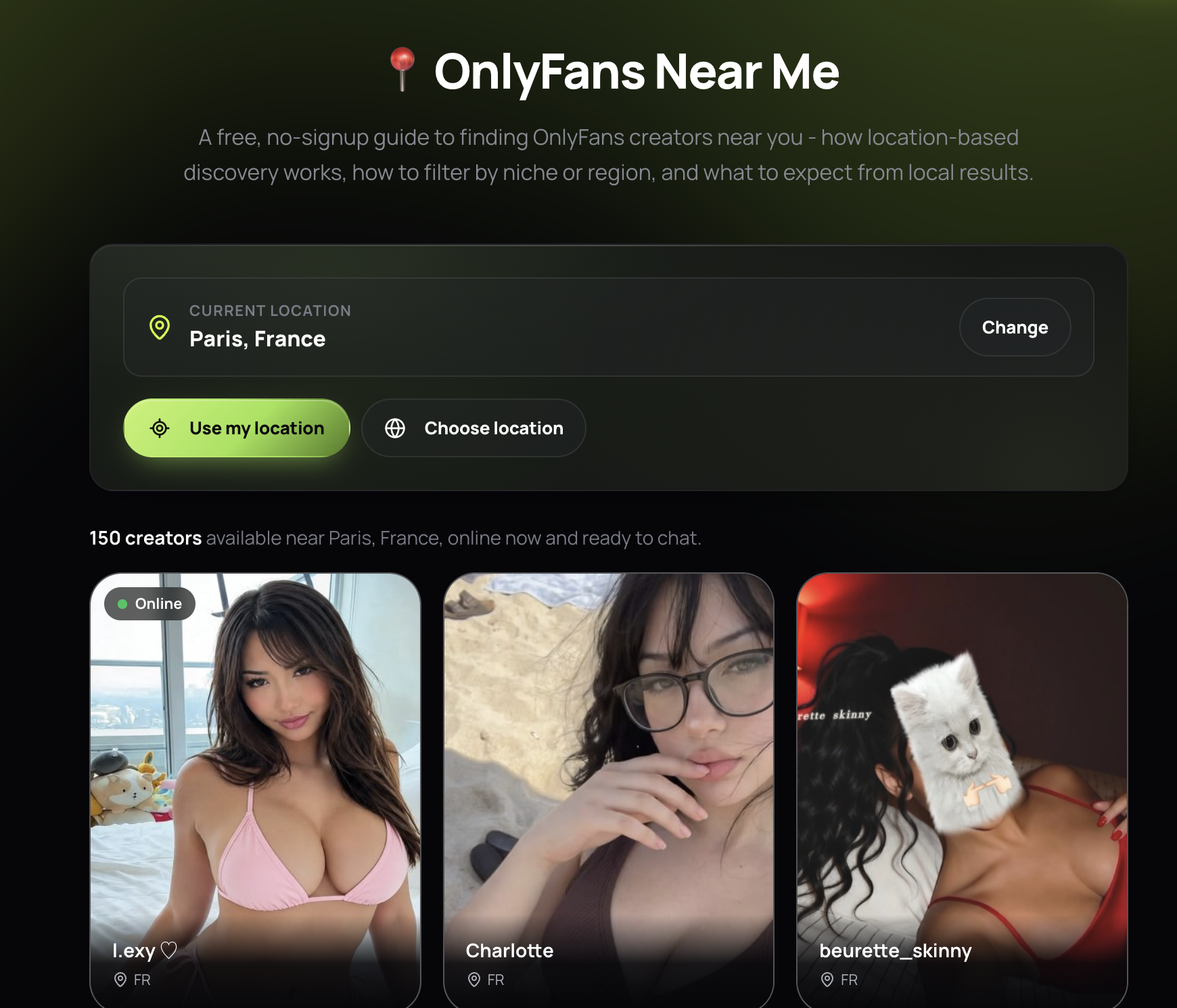
If the creator you're looking for is on Exclu rather than OnlyFans, none of the scraper-style tools below will help much - they're built around OnlyFans' public bio data, not Exclu's ecosystem. That's where exclu.at/fan comes in: it's Exclu's own fan discovery page, built specifically to help fans find and follow creators who run their subscription pages on Exclu.
 What it does well:
Official, first-party data - no scraping, no stale profiles, no guessing whether a listing is still active
Direct links straight to a creator's Exclu page, so there's no detour through outdated third-party listings
Purpose-built for the Exclu platform, rather than a generic cross-platform scrape
Best for: fans who already know (or suspect) a creator is on Exclu and want the fastest, most reliable route to their page - no wading through a scraped OnlyFans index that won't have them listed anyway.
2. AI Onlyfans - the original OnlyFans search engine
AI Onlyfans is the tool most people mean when they type "onlyfans search io" into Google. It's a free, browser-based scraper that indexes public creator metadata - no OnlyFans login required to search.
What it does well:
Searches by keyword, niche, or location across OnlyFans, Fansly, and Fanvue
Claims 8M+ indexed profiles, one of the largest databases around
Built-in map view - genuinely useful if you're looking for creators tied to a specific city or region
Completely free to use
Limitations: results quality varies since it relies on public bios and hashtags - creators who don't tag their location or niche won't surface well.
3. AI Onlyfans - best for niche and analytics-driven search
AI Onlyfans leans into data. It's built for people who want more than a name - think agencies scouting talent or researchers tracking category trends.
What it does well:
Over 20 creator categories (fitness, cosplay, tattooed, MILF, etc.)
Filters combine niche, physical traits, and price range
Adds 10,000+ new entries daily, so the index stays current
Rough earnings estimates for creators, useful for competitive benchmarking
Best for: agencies and marketers who need to size up a niche before pitching a creator, not casual browsing.
4. FansPedia - the cleanest OnlyFans directory for beginners
If the words "onlyfans directory" are what brought you here, FansPedia is worth bookmarking. It reads more like a curated directory than a raw scraper.
What it does well:
Verified profile badges reduce the fake-account noise common on other tools
Filters by niche, location, subscription price, and content type
Editorial layout makes it approachable if you've never used a creator-search tool before
Limitations: smaller index than AI Onlyfans, so very niche or new creators may not show up yet.
5. OnlySeeker / OnlyFinds - fast keyword lookups
These lighter tools (OnlySeeker.io, OnlyFinds.io) focus on speed over depth. They're good when you already have a rough idea of a username, bio phrase, or hashtag and just want quick text matching without wading through filters.
Best for: quick lookups when you half-remember a username or handle from social media.
6. NosyFan - browsing by geography
NosyFan indexes a smaller pool (around 6,000 profiles) but organizes everything by city, country, and niche, which makes it decent for casual geographic browsing rather than exhaustive research.
7. Hubite - combined category and location filtering
Hubite lets you stack filters - city, category, niche - in one search. It won't out-search AI Onlyfans on raw volume, but the combined filtering is handy when you know two things (say, "fitness" + "Los Angeles") and want a tight result set.
8. OnlySearch - filter by engagement metrics
OnlySearch's angle is simplicity: filter by likes, subscriber counts, and price. It's less about niche discovery and more about finding creators who are already popular.
How These OnlyFans Search Tools Actually Work
None of the OnlyFans-focused tools have an official partnership with OnlyFans - that's an important distinction from something like Exclu's own fan discovery page, which is first-party by design. Here's the mechanism behind the third-party ones:
Scraping public data. They pull publicly visible bios, usernames, hashtags, and sometimes linked social accounts - nothing behind a paywall.
Indexing and tagging. Profiles get sorted into categories (niche, location, price range) based on keywords creators themselves used in their bios.
Search and filter layer. You type a query or apply filters, and the tool matches it against its index - similar logic to how a regular search engine ranks web pages, just scoped to one platform's public profiles.
Freshness varies. Some tools (FanvueModels claims 10K+ daily additions) update fast; others are more static, so results can lag behind a creator's actual current bio or pricing.
Because most of these are unofficial, none of them guarantee accuracy - a creator who changed their price or went private last week might still show old data.
Tips for Searching More Effectively
Know how to search OnlyFans directly first. If you already have a username, the fastest path is still the official search bar (top-right on web, top of the home screen in the app) - but note OnlyFans only matches exact usernames, real names, or bio keywords. It won't do fuzzy or niche search.
Check the platform, not just the tool. If a creator isn't turning up on an OnlyFans-focused scraper, it's worth checking whether they're actually hosted elsewhere - Exclu, for instance, has its own fan-facing directory rather than relying on third-party scrapes.
Use niche + location together. A single keyword like "fitness" returns thousands of results on any of these tools. Pairing it with a city or country narrows things down fast.
Cross-check social media. Most creators link their subscription page in an Instagram or X bio. If a third-party search tool returns a dead or private profile, checking their social accounts is often faster than re-searching.
Don't trust earnings estimates blindly. Tools like FanvueModels show estimated income, but these are modeled guesses based on subscriber counts and pricing - not verified figures.
Expect duplicate and stale listings. Because indexes are built from scraped public data, expect some profiles that are inactive or renamed. Cross-reference across two tools if precision matters.
A Note for Creators
If you're a creator reading this because you searched your own name to see what's public - that's smart practice. Worth knowing: exclu.at, an OnlyFans management agency, works with creators on the growth and admin side (scheduling, chatting, promotion strategy) rather than search tools - just flagging it in case managing discoverability and growth becomes more than you want to handle solo.
FAQ
What is the best OnlyFans search engine in 2026? For creators specifically hosted on Exclu, the exclu.at/fan discovery page is the most direct and reliable route since it's first-party data. For the broader OnlyFans market, AI Onlyfans has the largest index (8M+ profiles) and a free map-based search, which makes it the most commonly recommended option. FanvueModels is better if you need niche and analytics filtering.
Is there a search tool specifically for finding Exclu creators? Yes - Exclu runs its own fan discovery page, which lists creators hosted on the platform directly rather than relying on scraped or outdated data like the generic OnlyFans search tools do.
How do I search OnlyFans directly? Log into onlyfans.com or the app, then use the search icon (top-right on web, top of the home screen on mobile). You can search by username, real name, or bio keywords - but OnlyFans has no advanced filter or niche search built in.
How do I search on OnlyFans without an account? You can't search the platform itself without logging in. Third-party tools like AI Onlyfans or FansPedia let you browse public creator listings without an OnlyFans account, though you'll still need one to subscribe or view paid content.
What is an OnlyFans directory? It's a third-party site that catalogs public OnlyFans (and often Fansly/Fanvue) profiles by category, location, or price, so users can browse instead of relying on exact usernames.
Is "OnlyFans Search IO" a specific website? It generally refers to AI Onlyfans , the best-known free OnlyFans search tool with a location map and cross-platform indexing.
Are these search tools free? Most of the major ones - AI Onlyfans, FansPedia, NosyFan, OnlySearch - are free to browse. Some, like FanvueModels, may gate deeper analytics behind a paid tier.