Fanvue Fees & Payouts 2026: How Much Does Fanvue Take?
September 1, 2026 · 6 min read · By Exclu Team
Fanvue Fees & Payouts 2026: How Much Does Fanvue Take?
TL;DR
Fanvue's standard commission is 20% - you keep 80% of gross revenue.
New creators get a promotional 15% rate for an introductory window after KYC verification.
Minimum payout threshold: $20 (may vary by region).
Payouts land within 3–5 business days after the 7-day pending period clears.
Methods: bank transfer (universal), MassPay eWallet, Cosmo eWallet, crypto.
The only platform fee on withdrawals: 1% for TripleA (crypto). Bank transfer has no Fanvue-added fee.
The Fanvue 20% Commission: What It Costs You
Fanvue's standard creator earning rate is 80/20: you keep 80%, Fanvue keeps 20%. That's confirmed in Fanvue's official Creator Earnings & Payouts policy (last updated April 2026).
New creators get a promotional rate of 15% for a limited introductory window after completing KYC. The exact duration is set at Fanvue's discretion and can change - check your dashboard for the rate currently applied to your account.
Here's what the standard 20% cut means in real money, compared to OnlyFans (also 20%):
Monthly gross | Fanvue 20% cut | You keep (Fanvue) | OnlyFans 20% cut | You keep (OF) |
|---|---|---|---|---|
$500 | $100 | $400 | $100 | $400 |
$1,000 | $200 | $800 | $200 | $800 |
$3,000 | $600 | $2,400 | $600 | $2,400 |
$5,000 | $1,000 | $4,000 | $1,000 | $4,000 |
$10,000 | $2,000 | $8,000 | $2,000 | $8,000 |
At the standard rate, Fanvue and OnlyFans are identical on commission. The difference shows up during the promotional period - at 15%, a creator earning $3,000/month keeps $2,550 instead of $2,400. That's $150/month back in your pocket while the promo lasts.
Are There Other Fanvue Fees?
The commission is the main cost. But a few other things are worth knowing:
Pay-per-view (PPV) and tips PPV messages and tips are treated as standard revenue - the same 20% (or promo 15%) applies. No separate PPV fee.
Referral program Fanvue runs a creator referral program. Referring another creator earns you a percentage of their earnings for a set period. This is income to you, not a fee.
AI tools Fanvue's AI feature suite - including AI Voice Calls, AI Voice Notes, AI DM assistant, and earnings analytics - is built into the platform. There is no separate subscription fee for these tools. They're included as part of being a Fanvue creator.
Chargeback fee If your account exceeds a 1.5% chargeback rate in any rolling 30-day period, Fanvue may charge a $50 administrative fee per additional dispute. This only applies in extreme cases of fraud or abuse.
Payout fees Only one payout method carries a Fanvue-added fee: TripleA (crypto) at 1%. Bank transfer, MassPay, and Cosmo have no Fanvue-added withdrawal fee - though your bank or provider may charge on their end.
Fanvue Payout Schedule
Fanvue doesn't run fixed weekly or monthly payouts. It's on-demand: you request a withdrawal whenever your balance is ready.
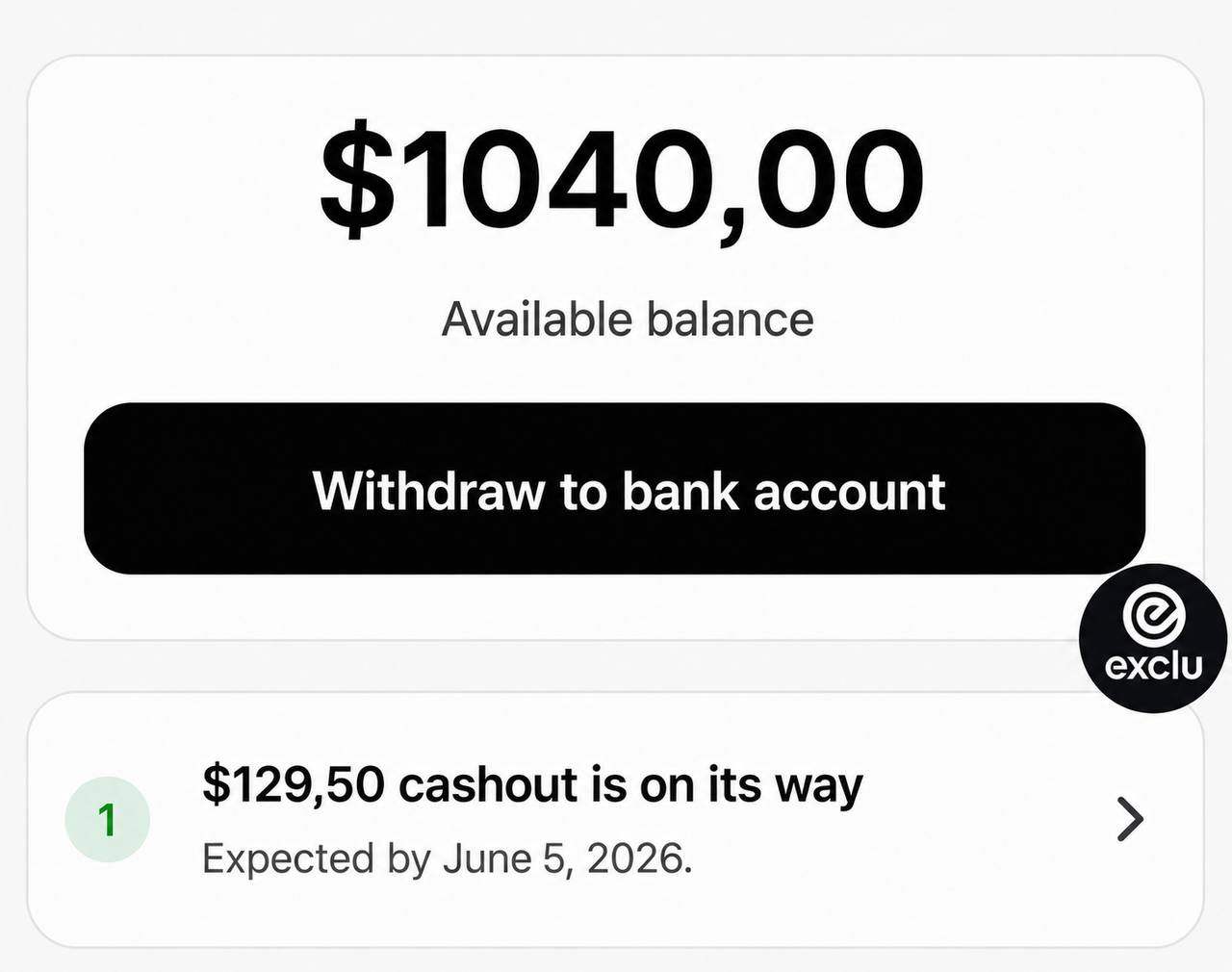 Here's how the timing works:
Pending period: Every transaction sits in a 7-day pending window before it becomes withdrawable. This can extend to 28 days depending on your account verification status and Fanvue's internal risk checks.
Processing after request: Once you request a payout, Fanvue aims to send funds within 3–5 business days, per their help center. Their legal terms allow up to 10 business days in edge cases.
Minimum balance: You need at least $20 available (after the pending period). Regional variations apply - some locations have a higher effective minimum.
Content requirement: First-time withdrawals also require a minimum of 5 pieces of content uploaded and any co-creators on your account verified.
Practical takeaway: budget for roughly 10–14 days from earning to receiving, in normal conditions. If your account is new or flagged for review, it can stretch to 28+ days.
Fanvue Payout Methods
Fanvue offers four withdrawal routes as of 2026:
Method | Available to | Fanvue fee | Typical processing |
|---|---|---|---|
Bank transfer | All countries | None | 3–5 business days |
MassPay eWallet | Select regions | None | 3–5 business days |
Cosmo eWallet | Select regions | None | 3–5 business days |
Crypto (TripleA) | Select regions | 1% | 3–5 business days |
Bank transfer is the universal option - every creator worldwide can use it. You'll need your actual bank account details (routing number, IBAN, SWIFT/BIC, etc.) depending on your country. Card details won't work.
PayPal is not supported on Fanvue, and there's no indication that's changing soon.
Adding a new payout method triggers a security review that takes up to 24 hours (often faster). Add your method before you need it - don't wait until you're ready to withdraw.
How Long Do Fanvue Payouts Take?
The short answer: plan for 10–14 days from the moment a fan pays you to the moment cash hits your account.
Here's the breakdown:
Transaction date → 7-day pending period begins
Day 7 → funds become available (if no hold is applied)
You request payout → Fanvue processes within 3–5 business days
Bank/provider receives → your bank may add 1–3 days for international transfers
The 7-day pending period can stretch to 28 days for newer accounts, accounts under review, or during periods of unusual activity. This isn't unique to Fanvue - OnlyFans and Fansly run similar holds - but it's worth factoring into your cash flow.
Fanvue Fees vs Competitors
Here's how Fanvue stacks up against the main platforms on commission alone:
Platform | Commission taken | Creator keeps |
|---|---|---|
Fanvue (standard) | 20% | 80% |
Fanvue (promo, new creators) | 15% | 85% |
OnlyFans | 20% | 80% |
Fansly | 20% | 80% |
Loyalfans | 20% | 80% |
Exclu (Free plan) | 0% commission + 15% processing fee* | ~85% |
Exclu (Pro plan, $39.99/mo) | 0% | 100%** |
*Exclu's Free plan charges no platform commission but applies a 15% payment processing fee. The Pro plan at $39.99/month removes that fee entirely - meaning creators keep 100% of revenue minus their own payment processing costs.
At standard rates, Fanvue, OnlyFans, Fansly, and Loyalfans are all identical at 20%. The real differentiation comes from features, audience, and discoverability - not the fee structure alone.
Is Fanvue's 20% Cut Worth It?
Honest answer: at the standard rate, Fanvue costs exactly the same as OnlyFans. So the question isn't really about fees - it's about what you get for that 20%.
Where Fanvue genuinely differentiates itself:
Built-in AI tools. AI Voice Calls, AI Voice Notes, AI DM assistant, and predictive analytics are included at no extra cost. OnlyFans has none of this natively. For creators who want to scale without hiring a full chatting team, this is a real operational advantage.
AI creator support. Fanvue explicitly supports AI personas and virtual creators - a growing segment that OnlyFans has been slower to accommodate.
Discoverability. Fanvue has an internal discovery feed. OnlyFans has no native search. If you're starting from a smaller following, that matters.
Promotional rate. The 15% intro rate is a genuine short-term advantage. Use it strategically - launch, build momentum, and treat the extra 5% as a runway bonus.
The verdict: Fanvue is worth evaluating seriously, especially if AI tools are part of your workflow. But if fee minimization is your primary goal, the standard 20% rate puts it on equal footing with the rest of the market. The promotional period is the only time Fanvue is structurally cheaper than OnlyFans on commission.
FAQ
Does Fanvue take a percentage of earnings? Yes. Fanvue takes 20% of gross revenue as its standard platform fee. New creators may qualify for a promotional rate of 15% for a limited introductory period after completing KYC verification.
How much does Fanvue take? The standard answer: 20%. So on $1,000 earned, you keep $800. During the promotional window, Fanvue takes 15%, so you'd keep $850 on the same $1,000.
What is the Fanvue payout minimum? The official minimum is $20, though Fanvue notes it can be higher depending on your region. First-time withdrawals also require at least 5 pieces of content uploaded.
How long do Fanvue payouts take? Funds go through a 7-day pending period first. After that, once you request a payout, Fanvue processes it within 3–5 business days. Total time from earning to receiving: typically 10–14 days under normal conditions.
How do Fanvue fees compare to OnlyFans? At the standard rate, they're identical - both take 20%. Fanvue's promotional 15% rate gives new creators a temporary edge. The bigger differences are in features: Fanvue includes AI tools and has a discovery feed; OnlyFans has neither.
Is Fanvue better than OnlyFans for earnings? Not automatically. The commission is the same at standard rates. Fanvue can be better for earnings if you leverage its AI tools to handle more fan interactions at scale, or if the discovery feed brings you organic subscribers you wouldn't have found on OnlyFans. It depends on your strategy, not just the fee.
Useful Sources
Fanvue Creator Earnings & Payouts Policy - official commission and payout terms (updated April 2026)
How to Receive a Payout on Fanvue - official help center, minimum threshold and steps
Payout Methods Available on Fanvue - official list of supported withdrawal methods
Payout Fees on Fanvue - official breakdown of provider-specific fees (updated April 2026)