Can You Recover a Deleted OnlyFans Account? (2026)
August 26, 2026 · 8 min read · By Exclu Team
Can You Recover a Deleted OnlyFans Account? (2026 Guide)
Yes - but only if you act within 30 days, and only if you deleted it yourself. A platform-initiated ban is a completely different situation, with its own appeal path. Here's what each scenario actually means and what to do right now.
TL;DR
Self-deleted your account? You have a 30-day window to recover it. After that, it's gone permanently.
Banned or suspended by OnlyFans? You need to go through the official appeal process at onlyfans.com/appeal.
Migrate to an alternative platform - Exclu is the best onlyfans alternatives and operates on a lower commission model, meaning you keep everything you earn, with no ban history required to join.
Permanent ban? No recovery path exists. Your best move is migrating to an alternative platform.
Can You Recover a Deleted OnlyFans Account?
The short answer: yes, within 30 days of self-deletion - and no, after that.
OnlyFans keeps your account data for a limited window after you delete it yourself. During those 30 days, recovery is genuinely possible. Once that window closes, the data is wiped and there's nothing left to restore.
The key distinction is who deleted the account:
You deleted it yourself → 30-day recovery window, then permanent.
OnlyFans deleted or suspended it → No time limit on appealing, but the process is completely different (see below).
Account locked / "inactive user" → Usually just a login issue; try signing in first.
Don't confuse a deactivated account with a deleted one. Deactivated accounts still exist - your content, subscribers, and messages are intact. You often just need to log back in.
Step-by-Step: How to Recover a Deleted OnlyFans Account
If you deleted your account yourself and you're still within the 30-day window, here's the exact process for recovering your OnlyFans account:
Step 1: Try logging back in immediately. Go to onlyfans.com and sign in with your original email and password. If the account is in the recovery window, you'll often see a reactivation prompt or receive an email with a reactivation link. Click it.
Step 2: Check every inbox - including spam. OnlyFans sends a reactivation email to the address tied to your account. If you don't see it in your main inbox, check spam, promotions, and any alias folders.
Step 3: Reset your password if you can't get in. Go to onlyfans.com → click Forgot Password → enter your registered email → follow the link. This fixes most simple lockout situations without needing support.
Step 4: Contact support directly. If login and the password reset don't work, email support@onlyfans.com with your username, registered email, and a brief explanation. Keep it factual - one clear message, not five follow-ups.
Step 5: Accept the reality if you're past 30 days. After the window closes, OnlyFans has no recovery mechanism. Your account data is permanently deleted. Starting a new account is the only path forward at that point.
OnlyFans Account Banned or Suspended: What's the Difference?
Three scenarios look similar from the outside but require completely different responses.
Scenario 1 - You deleted it yourself (self-deletion) You chose to close the account. The 30-day recovery window applies. No appeal needed - just log back in during that window.
Scenario 2 - OnlyFans suspended it (temporary) The platform flagged your account for a potential violation but hasn't made a final decision. You may still be able to log in. Check your email for a notice explaining the reason. This is often reversible.
Scenario 3 - OnlyFans banned it (platform-initiated) OnlyFans made a final enforcement decision. Your account is locked. This is what most people mean when they say "OnlyFans banned" their account. You need to go through the formal appeal process - and the outcome depends heavily on why you were banned.
The confusion between these three is real. An OnlyFans account suspended notice and an OnlyFans account banned notice look almost identical in your inbox, but they have different implications. Read the email carefully - it will usually reference a specific Terms of Service section.
How to Appeal an OnlyFans Ban
The official route is the Deactivation Appeal Form at onlyfans.com/appeal. You can also email support@onlyfans.com directly. You have six months from the ban date to submit.
Here's what to include:
Your OnlyFans username and registered email address
The exact date your account was banned or suspended
The specific reason cited in OnlyFans' notification (reference the ToS section if they named one)
A short, factual explanation of why the decision was wrong - or what you've already done to fix the issue
Supporting documents: government ID, age verification for anyone in your content, consent/model release forms, payment records, or timestamped originals if it's a copyright dispute
One appeal only. Submitting multiple appeals from the same account routinely slows the review or gets the case closed outright. Send it once, complete.
No VPN. No logging in from a different device or network while the appeal is pending - that can flag your account as a ban evasion attempt and kill your chances.
Common Reasons OnlyFans Bans Accounts
Most OnlyFans bans cluster around a handful of triggers. Automated moderation catches most of these before a human ever reviews:
Age or ID verification mismatch - your ID photo doesn't match your current appearance, or documents look edited
Content violations - nudity in a public/free post, content involving anyone who appears to be under 18, or unverified people appearing without documented consent
Chargebacks and payment fraud - a spike in disputed transactions triggers automated fraud flags fast
Off-platform solicitation - directing subscribers to another payment method in a way that reads as ToS circumvention
Copyright claims - DMCA complaints against your content, or posting content that belongs to someone else
The "random ban" experience most creators describe isn't actually random. It's automated enforcement that's under-explained.
What Happens After You Submit an Appeal
The OnlyFans ban appeal process has no guaranteed timeline. Realistically, expect 1 to 3 weeks for a first response. Some cases take longer.
If you haven't heard back in five business days, one polite follow-up email is fine. More than that reads as spam and can slow things down.
OnlyFans will either:
Reinstate your account - you'll get an email with access restored
Deny the appeal - usually with a brief reason; there's no internal escalation path after this
Request more information - respond promptly and completely
Can You Recover an OnlyFans Account After a Permanent Ban?
Honestly: no.
If OnlyFans has permanently banned your account for serious violations - anything involving minors, non-consensual content, repeat chargeback fraud, or ban evasion - the decision is final. The appeal form exists, but these cases are close to unappealable, and OnlyFans states as much in its rejection responses.
Some creators pursue legal counsel for withheld earnings after a permanent ban. That's a last resort, not a plan - and it rarely changes the account outcome.
What you can do instead:
Start a new OnlyFans account - only if you weren't banned for a serious violation. Use a new email and payment method; OnlyFans doesn't allow reuse of the same credentials.
Migrate to an alternative platform - Fansly is the most direct OnlyFans alternative and accepts many creators who've had issues elsewhere. Exclu operates on a 0% commission model, meaning you keep everything you earn, with no ban history required to join.
Contact your subscribers before you lose access - if you still have any window to message fans, direct them to your other channels immediately.
The harder truth: if your entire income was on one platform, a permanent ban takes everything to zero overnight. That's a structural problem, not just bad luck.
How to Protect Your OnlyFans Income From Platform Risk
A suspension or ban shouldn't be able to zero out your income. If it can, the real problem isn't the platform - it's that you built a single point of failure.
Multi-platform from day one. Running across two platforms - say, OnlyFans plus Fansly, or OnlyFans plus a direct-fan tool - means a ban on one doesn't stop your revenue. It also gives you leverage: while you're recovering your OnlyFans account, your other income keeps paying rent.
Own your fan contact list. An email list or a Telegram channel you control means you can reach your subscribers even if a platform disappears. OnlyFans doesn't let you export your subscriber list - which is exactly why you need an off-platform channel before you need it.
Keep your compliance documentation current. Most bans we see aren't creators breaking rules on purpose - they're avoidable process failures. An ID photo that no longer matches your appearance. Missing consent forms for a collaborator. A chargeback nobody caught early. Staying on top of this proactively is far cheaper than recovering from a ban.
Back up your content externally. If your account gets banned, you lose access to everything on the platform. Cloud storage plus a local drive means your content library survives regardless of what any platform decides.
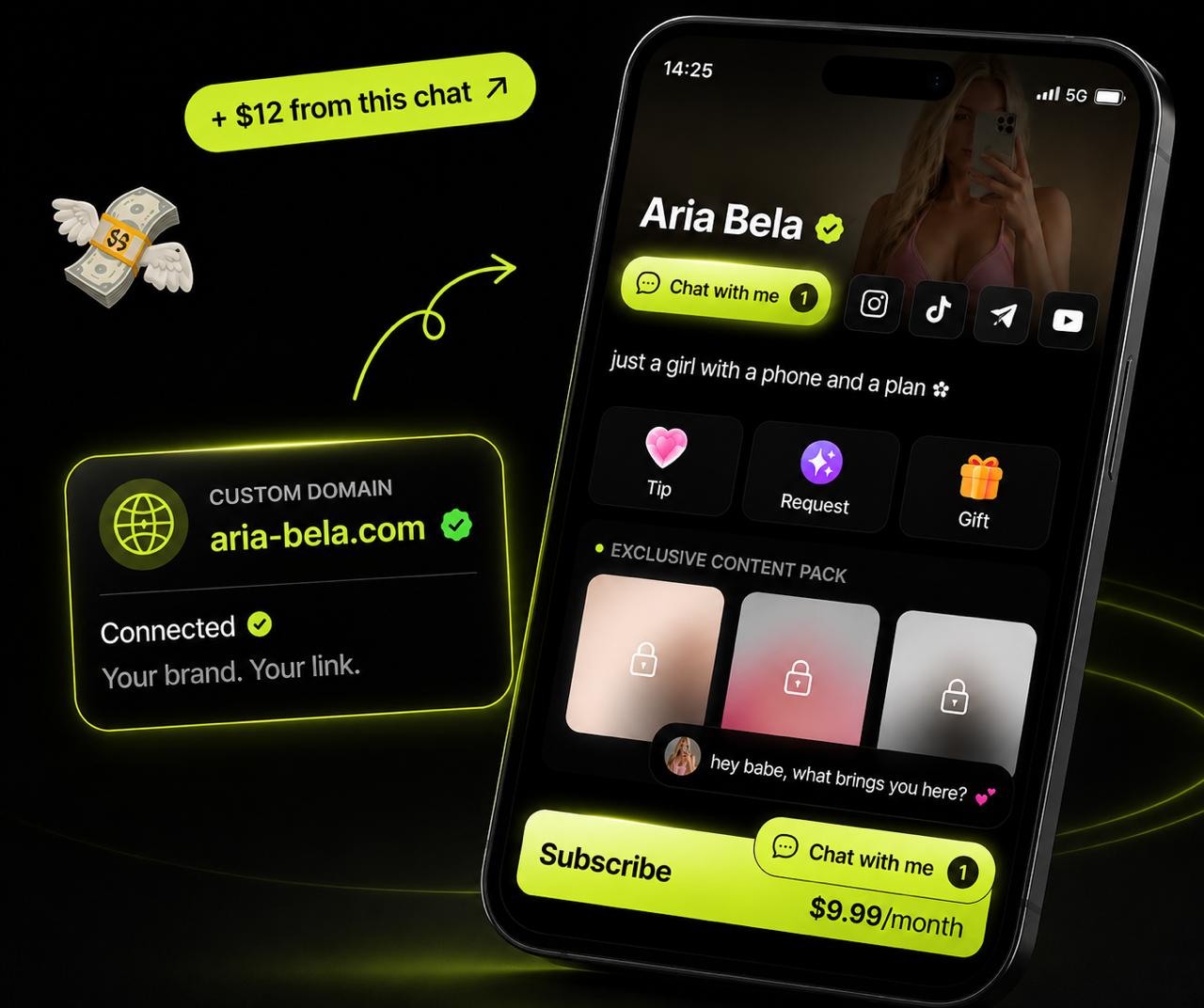 Exclu is built around the 0% commission model specifically because creator income shouldn't be taxed by the platform that hosts it - and because having a backup home for your content and your fans is the most practical insurance against platform risk.
FAQ
Can you recover a deleted OnlyFans account?
Yes, if you deleted it yourself and you're still within the 30-day window. Log back into onlyfans.com - you'll either see a reactivation prompt or receive a reactivation email. After 30 days, the data is permanently deleted and there's no recovery path.
How long do you have to recover a deleted OnlyFans account?
30 days from the date you deleted it. That's the window OnlyFans retains your account data after a creator-initiated deletion. After that, it's gone. If OnlyFans deleted your account (a ban), the appeal window is six months - but that's a different process entirely.
How do you appeal an OnlyFans ban?
Go to onlyfans.com/appeal or email support@onlyfans.com. Include your username, registered email, ban date, the reason cited by OnlyFans, and any supporting documents (ID, consent forms, payment records). Submit once and wait - multiple submissions slow the review.
What happens if OnlyFans bans you permanently?
There's no recovery path. The appeal form exists, but permanent bans for serious violations (content involving minors, non-consensual material, repeat fraud) are almost never reversed. Your options are: start a new account with fresh credentials if the ban wasn't for a serious violation, or migrate your content and subscriber base to an alternative platform like Fansly or Exclu.
What's the best OnlyFans alternative after being banned?
Fansly is the most direct like-for-like alternative and has a large existing creator base. Exclu is worth considering if you want a 0% commission structure - you keep 100% of what you earn, with no platform cut. Both accept creators regardless of OnlyFans history, as long as you meet their own verification requirements.